
Product fit guide
Workz vs ClickUp: which workflow fits?
Choose ClickUp if integrated chat and its broader feature set are central. Choose Workz if your priority is a focused inbox, owned actions and docs.
What is documented
| Question | Workz | ClickUp |
|---|---|---|
| Starting point | Workspaces, inbox and actions with owners, status and dates. | ClickUp combines tasks, Docs and Chat; its Chat can create tasks from messages and offers AI features subject to plan and role. |
| Context | Docs sit beside execution. | See the vendor documentation for current options and plan availability. |
| Best way to decide | Try a real incoming request and assign its next action. | Recreate the same request in ClickUp and compare the steps your team uses. |
Sources: Workz feature overview and ClickUp product documentation. Features and availability can change; confirm them with the vendor before switching.
See the Workz workspace
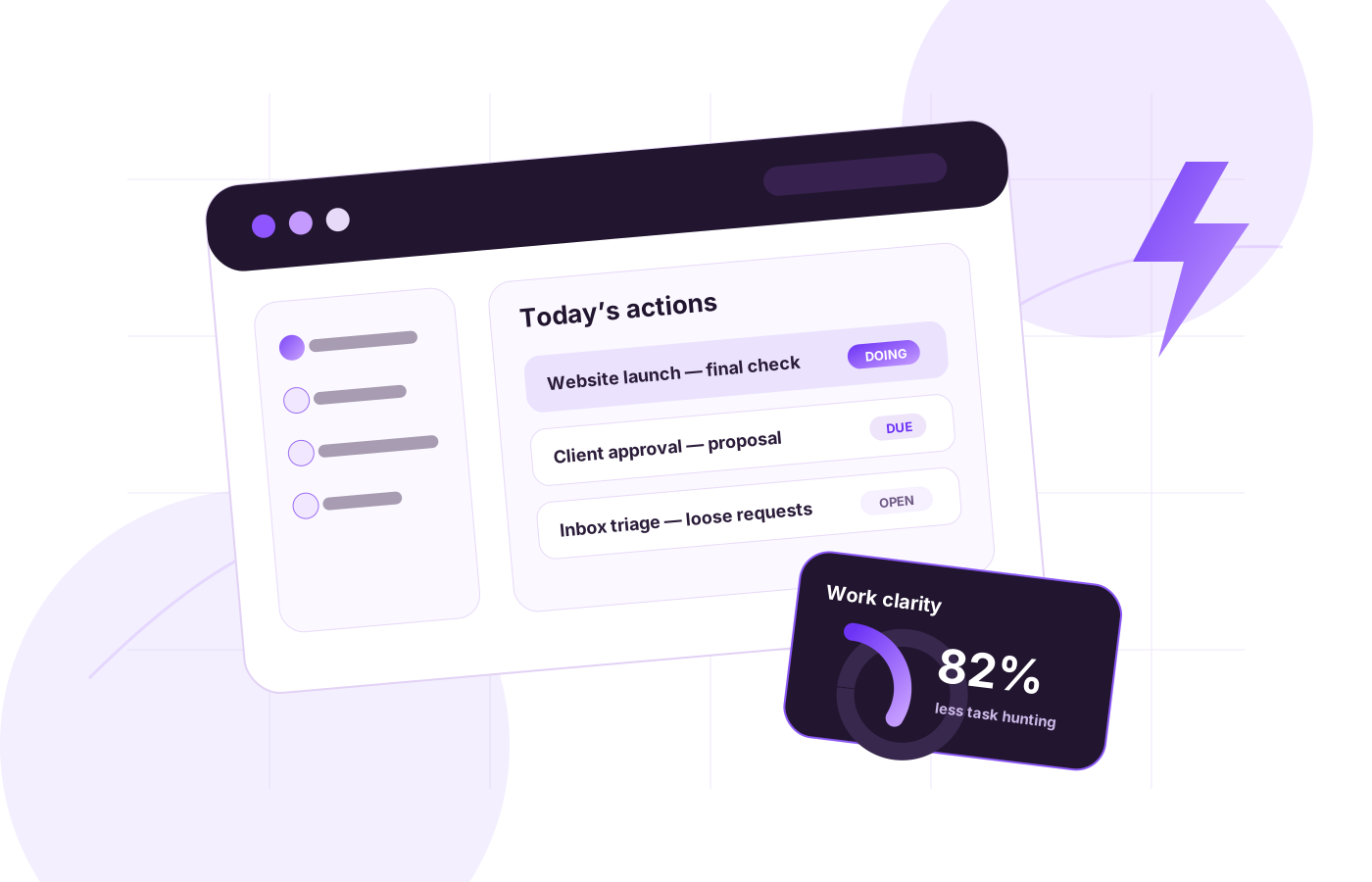
The image is an illustrative preview from this site, not a screenshot of a live account.
How to evaluate the switch
- List one actual team workflow and its required fields, approvals and reporting.
- Run it in both tools with the same people and sample tasks.
- Check which steps need configuration and which information is visible to owners.
For a related view, read the alternative guide or browse all comparisons.